Justina's KitchenJustina's Kitchen

What's inside

Everything.
One free app.

Built for home cooks who want to actually get better. Not just follow a recipe and hope for the best.
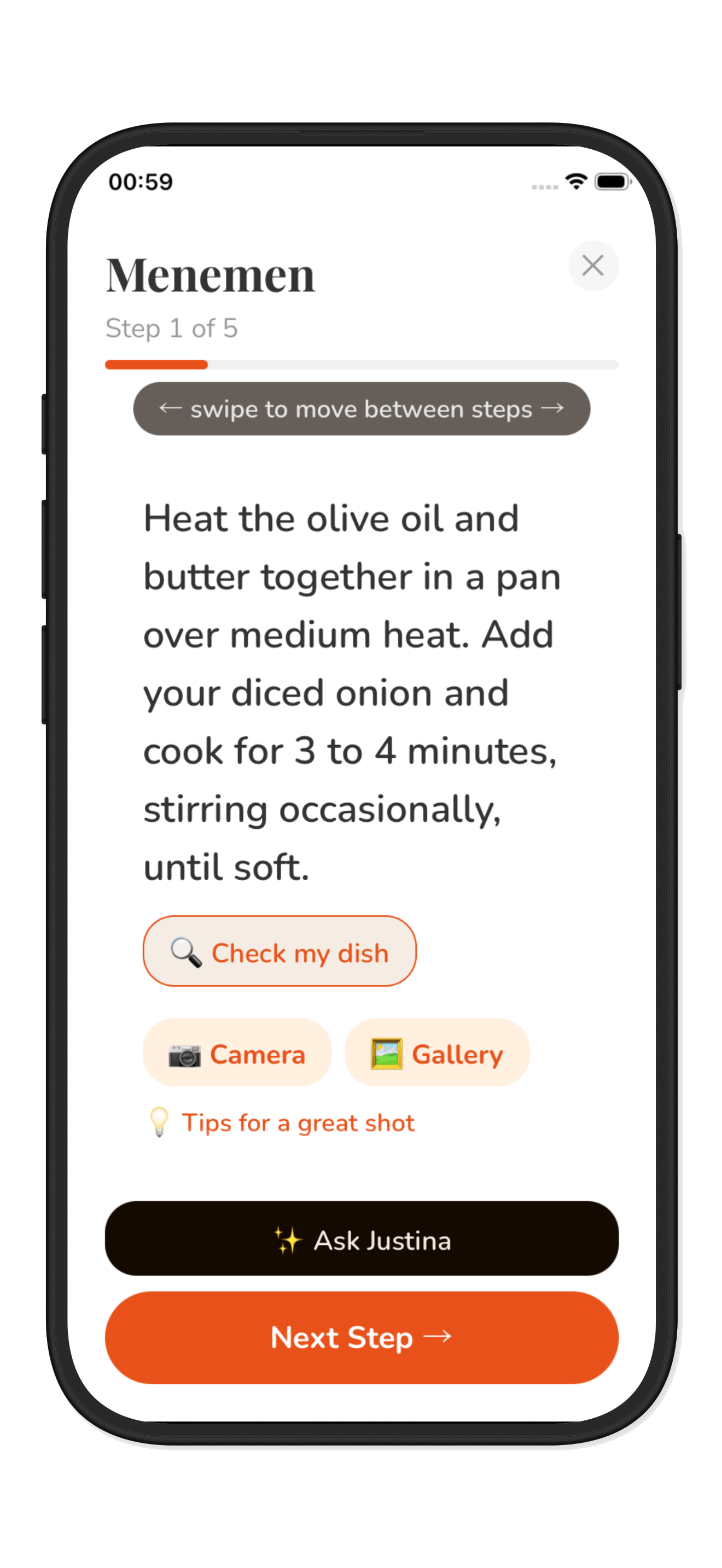
Step-by-step cook mode
Core feature

Step-by-step cook mode

Each step takes over your full screen. Swipe forward at your own pace. No scrolling back and forth, no losing your place, no cluttered recipe list. One clear instruction at a time.
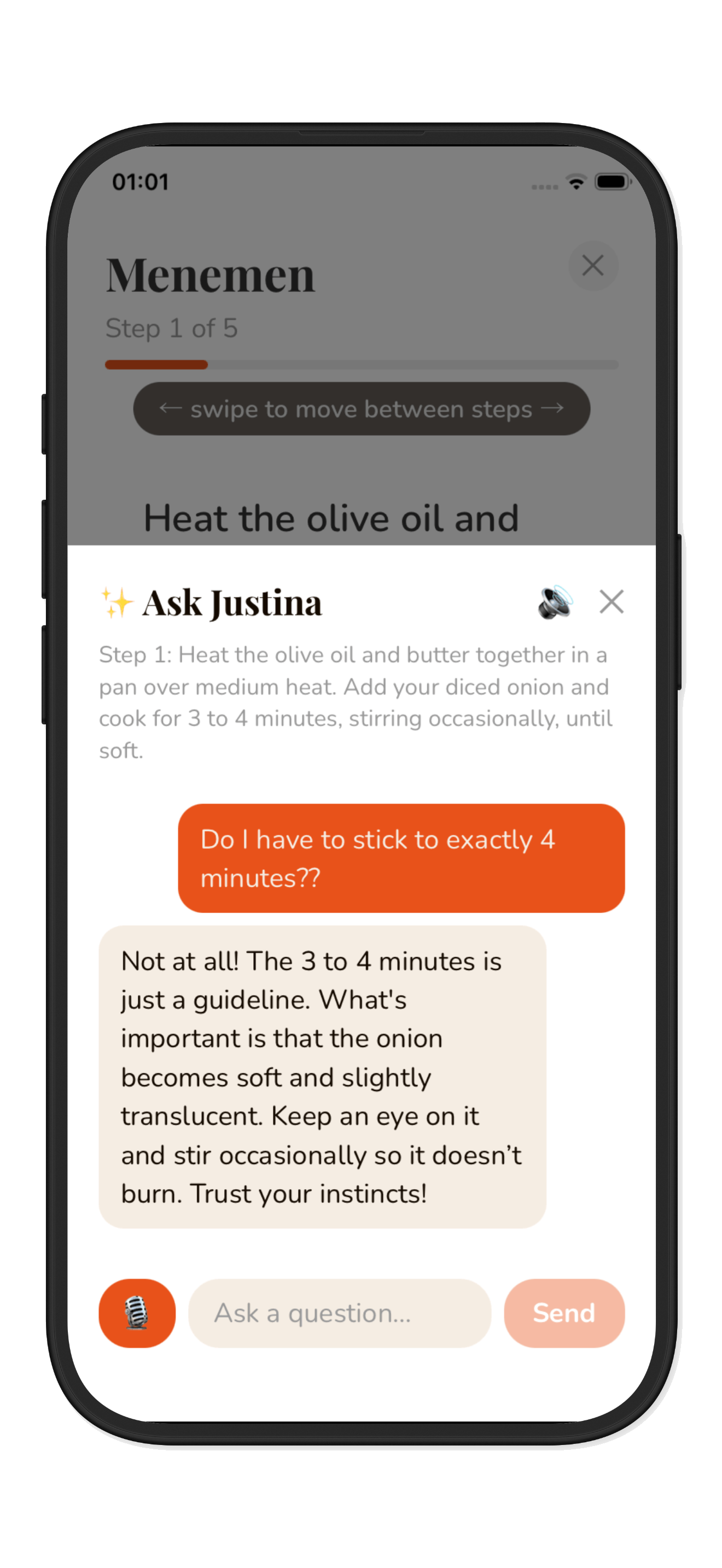
Ask Justina
AI assistant

Ask Justina

Stuck mid-cook? Just ask. Smart in-app assistance knows your recipe and gives you instant answers: 'can I use butter instead?', 'what does simmer actually mean?', 'how do I know when it's done?' No guessing, no Googling.
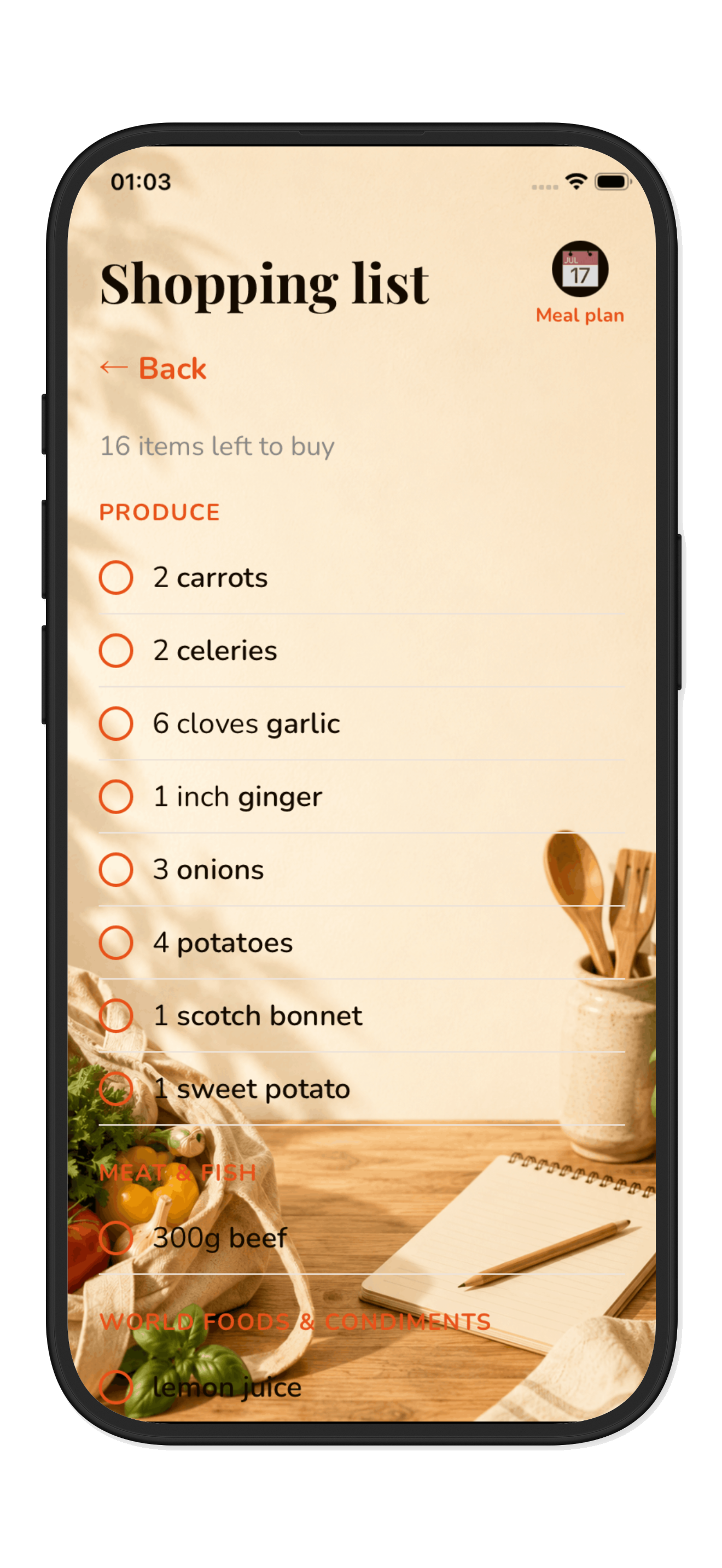
Smart shopping list
Planning

Smart shopping list

Add any recipe and your shopping list builds itself automatically. Ingredients are grouped by supermarket section. Quantities merge intelligently if you add multiple recipes. Pantry staples are separated so you know exactly what to buy.
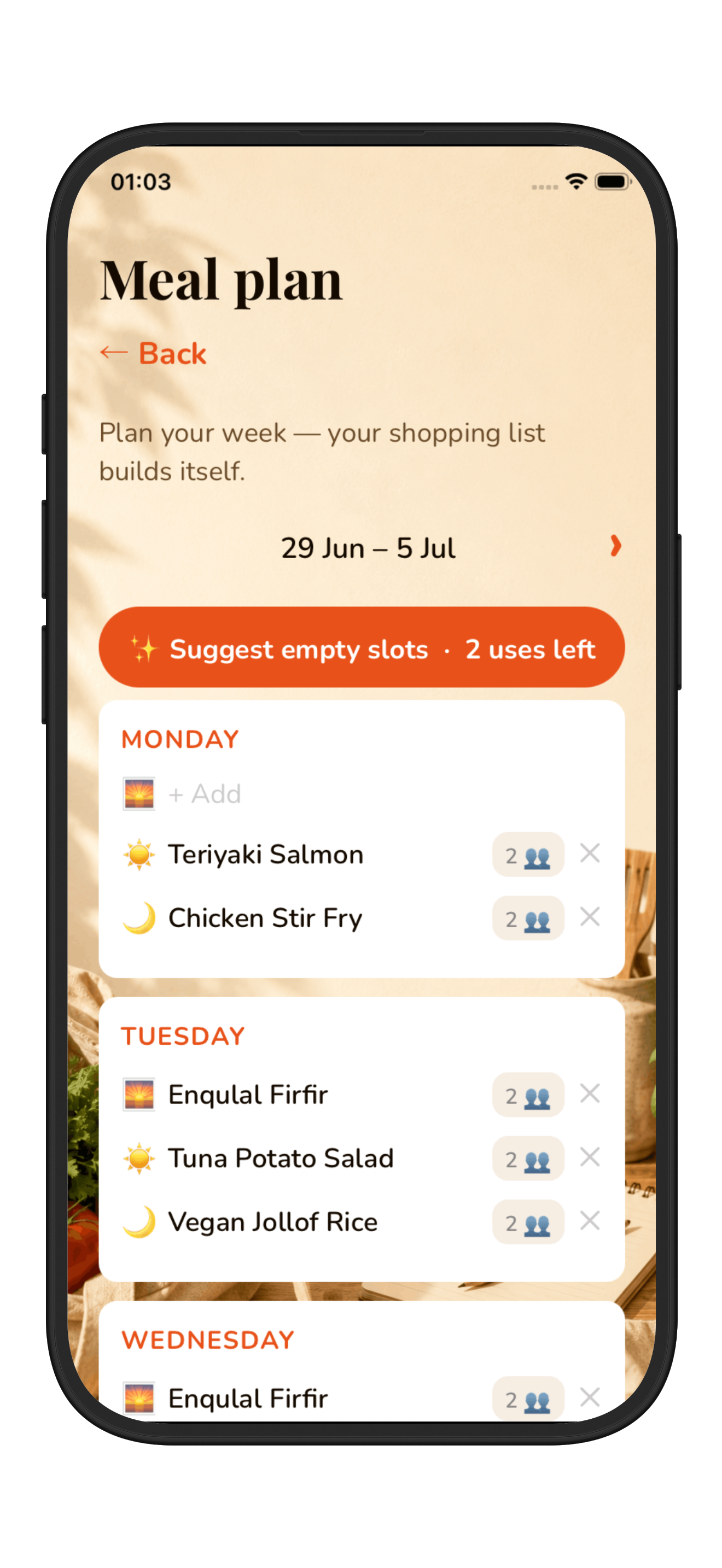
Meal planner
Planning

Meal planner

Plan your whole week: breakfast, lunch and dinner. Get smart suggestions based on your dietary requirements, what you've been cooking recently, and your favourite recipes.
Skill progression
Progress

Skill progression

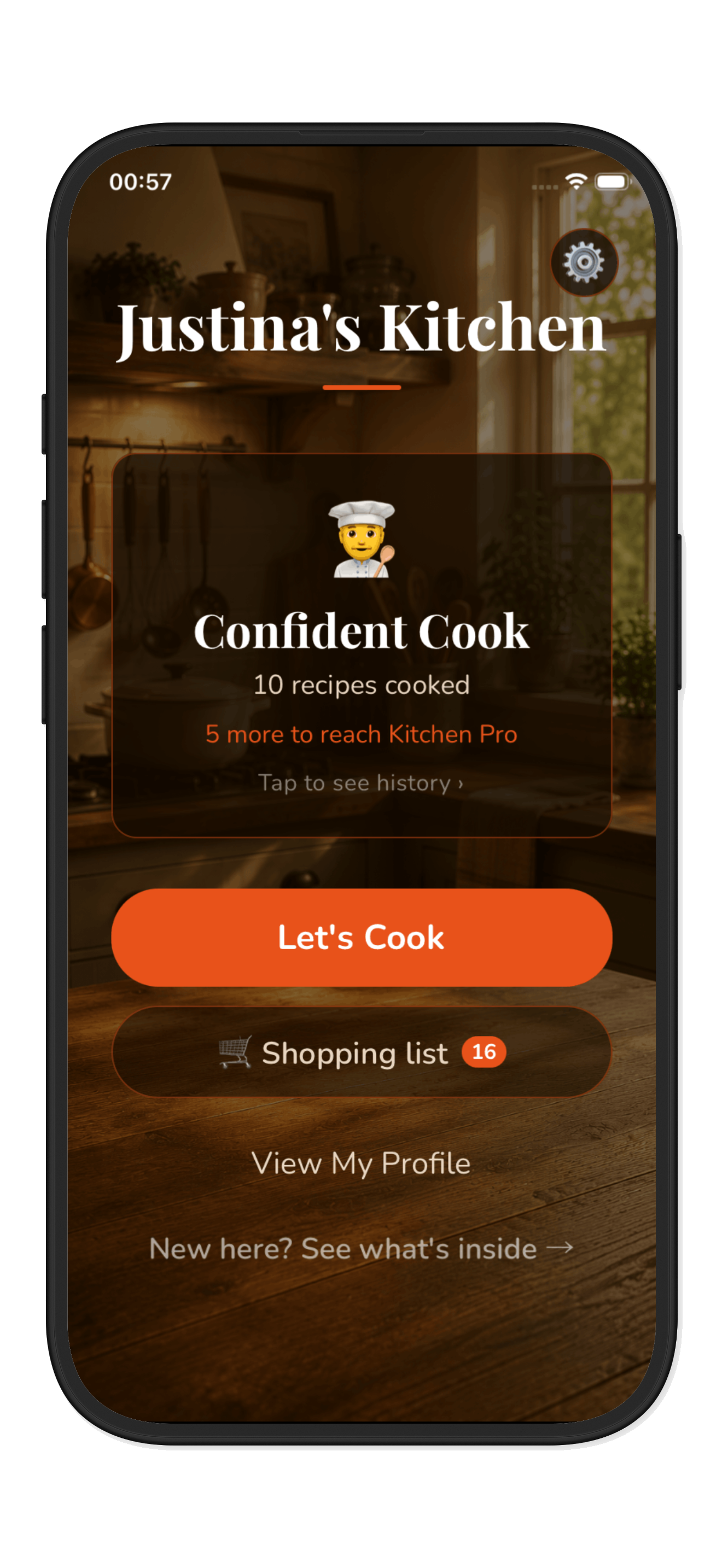
Every recipe you cook adds to your record. Build a cooking streak, level up from Kitchen Newbie to Kitchen Pro, and unlock harder dishes as your confidence grows.

And there's more

Every detail, covered

Built-in timers
Cook mode

Built-in timers

Tap to find out more

Cook mode

The app times every step that needs it. When the timer ends you get a ding, a vibration and a voice reminder. Step away from your phone without missing a beat.

Tap to flip back

Why this step?
Cook mode

Why this step?

Tap to find out more

Cook mode

Every step explains the reason behind it. Why do you sear the meat first? Why add the garlic late? Understanding why makes you a better cook, not just someone following a script.

Tap to flip back

Check your dish
AI assistant

Check your dish

Tap to find out more

AI assistant

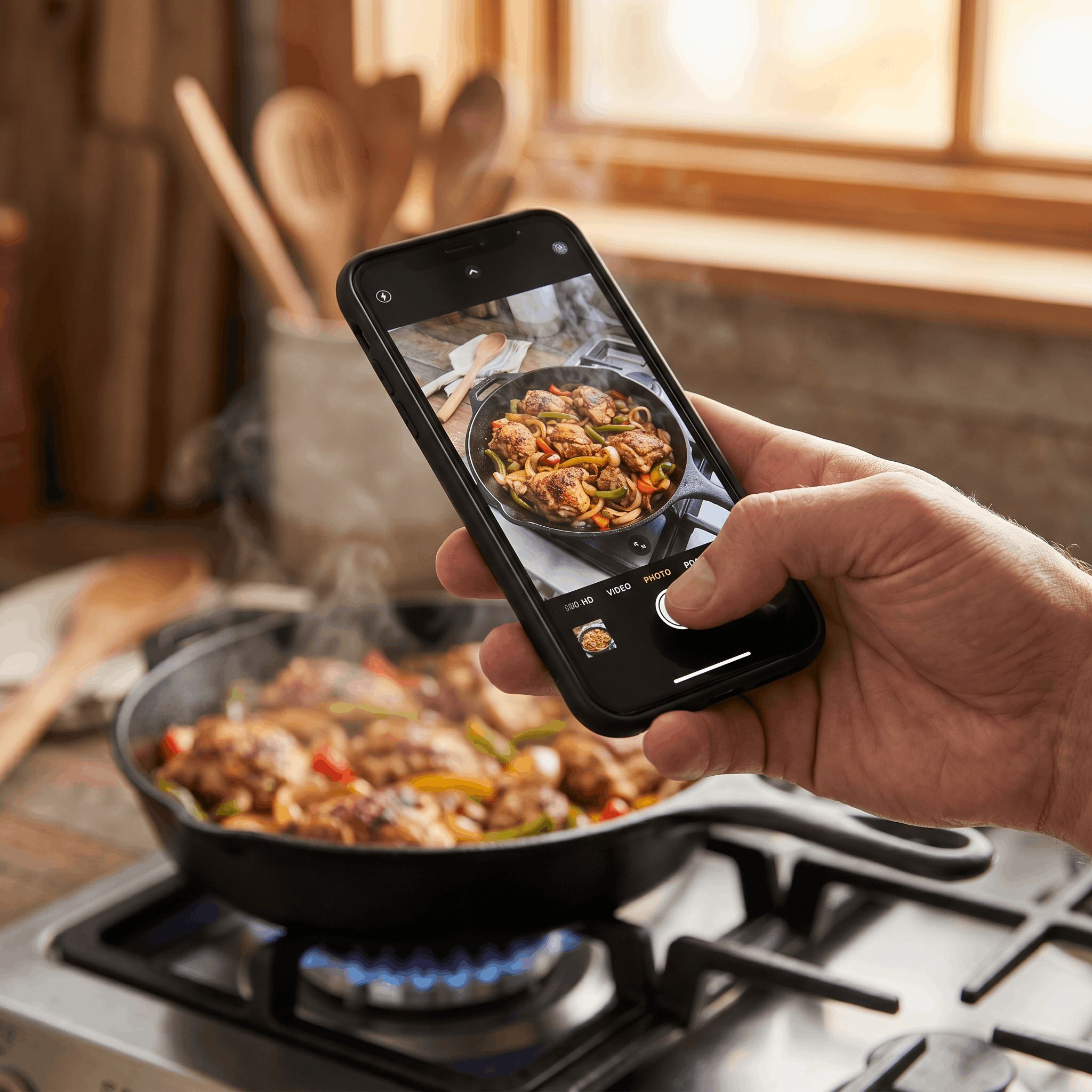
At key steps, take a photo of what you're cooking and get instant feedback. Smart visual recognition tells you exactly what to do next, no more guessing whether it looks right.

Tap to flip back

Scan your fridge
Planning

Scan your fridge

Tap to find out more

Planning

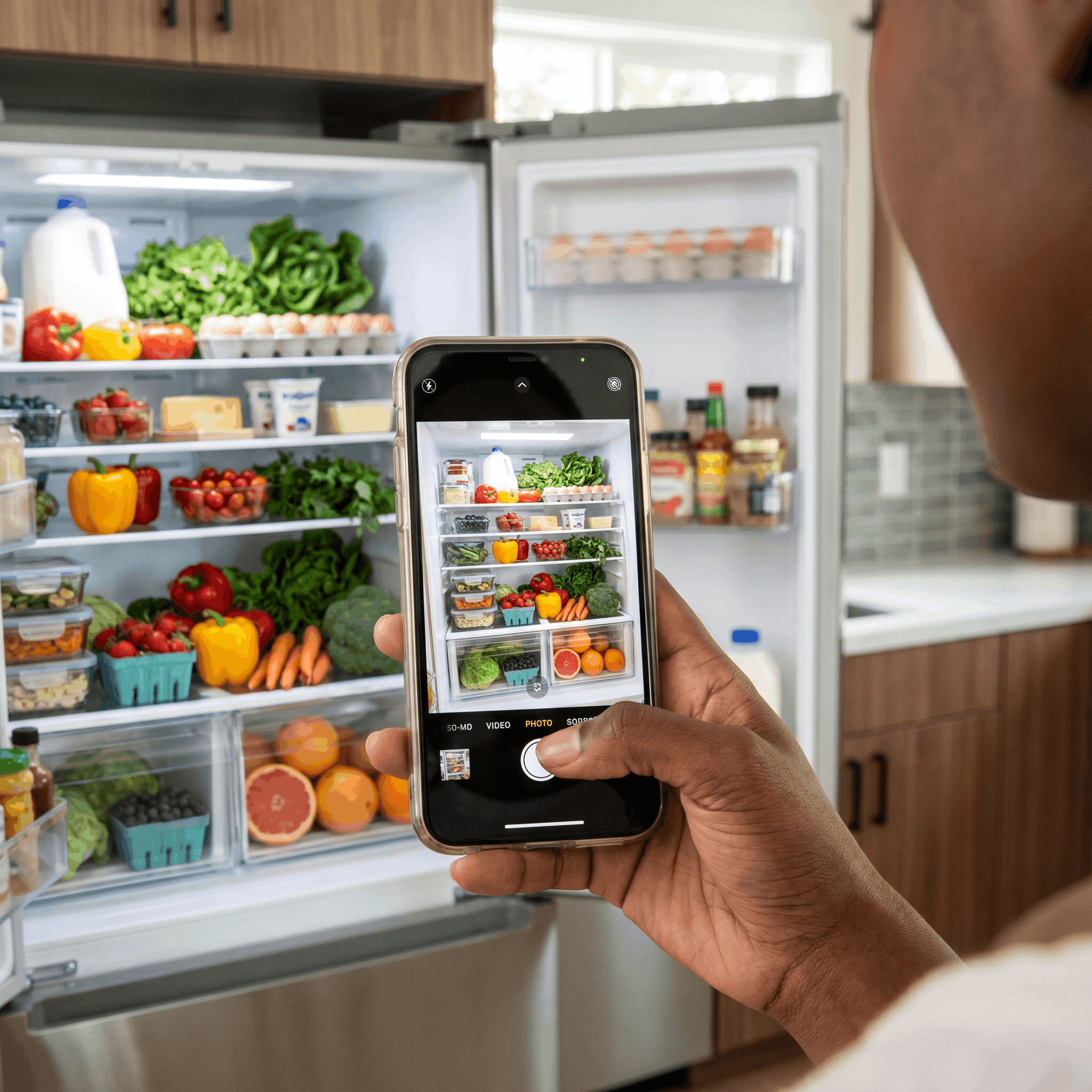
Tell us what's in your fridge (or take a photo) and we'll find recipes you can make right now. Perfect for when you don't know what to cook and want to use up what you have.

Tap to flip back

Snap your cook
Community

Snap your cook

Tap to find out more

Community

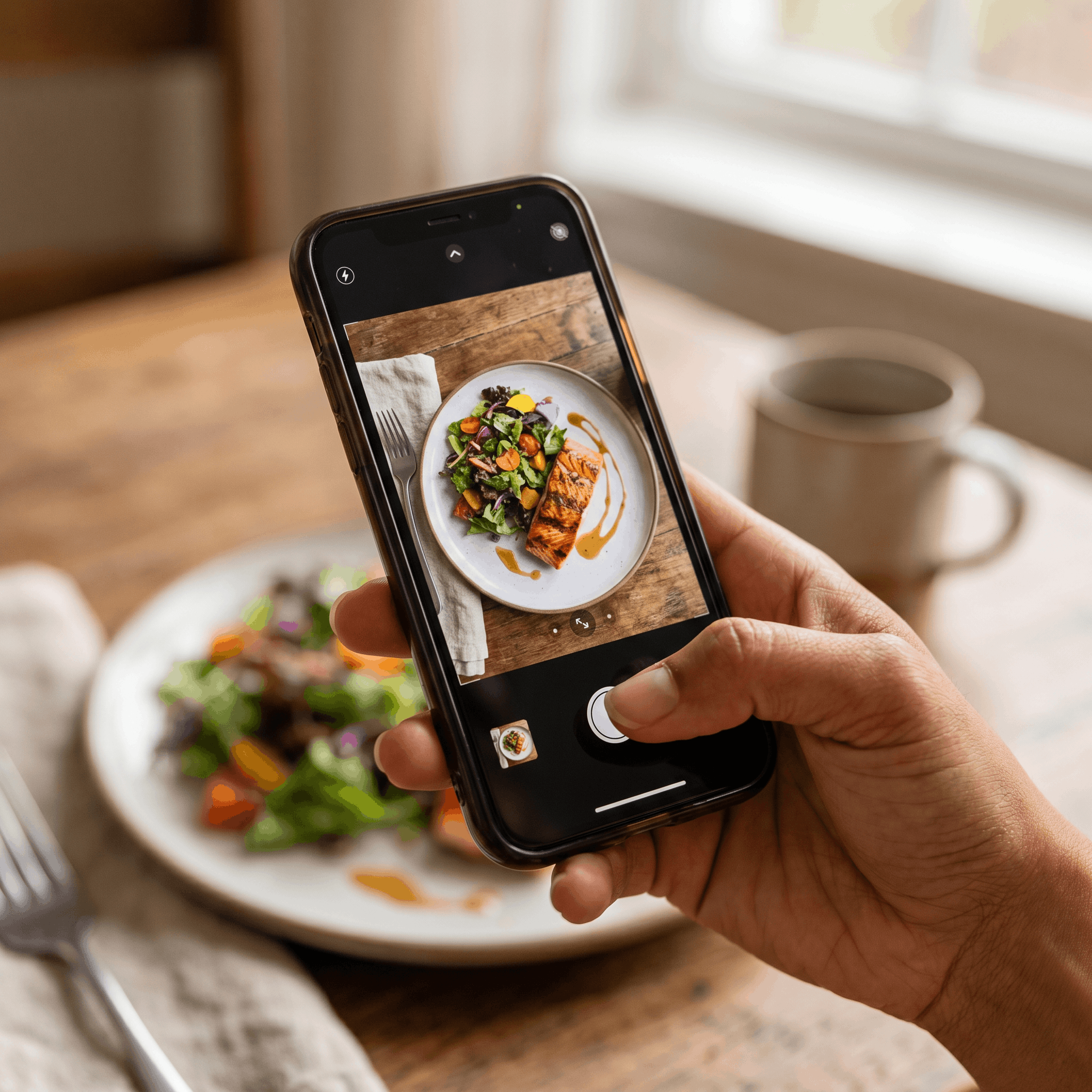
Take photos as you cook, at any step, and a final shot of your finished dish. Share with the community and see how other home cooks got on with the same recipe.

Tap to flip back

Community gallery
Community

Community gallery

Tap to find out more

Community

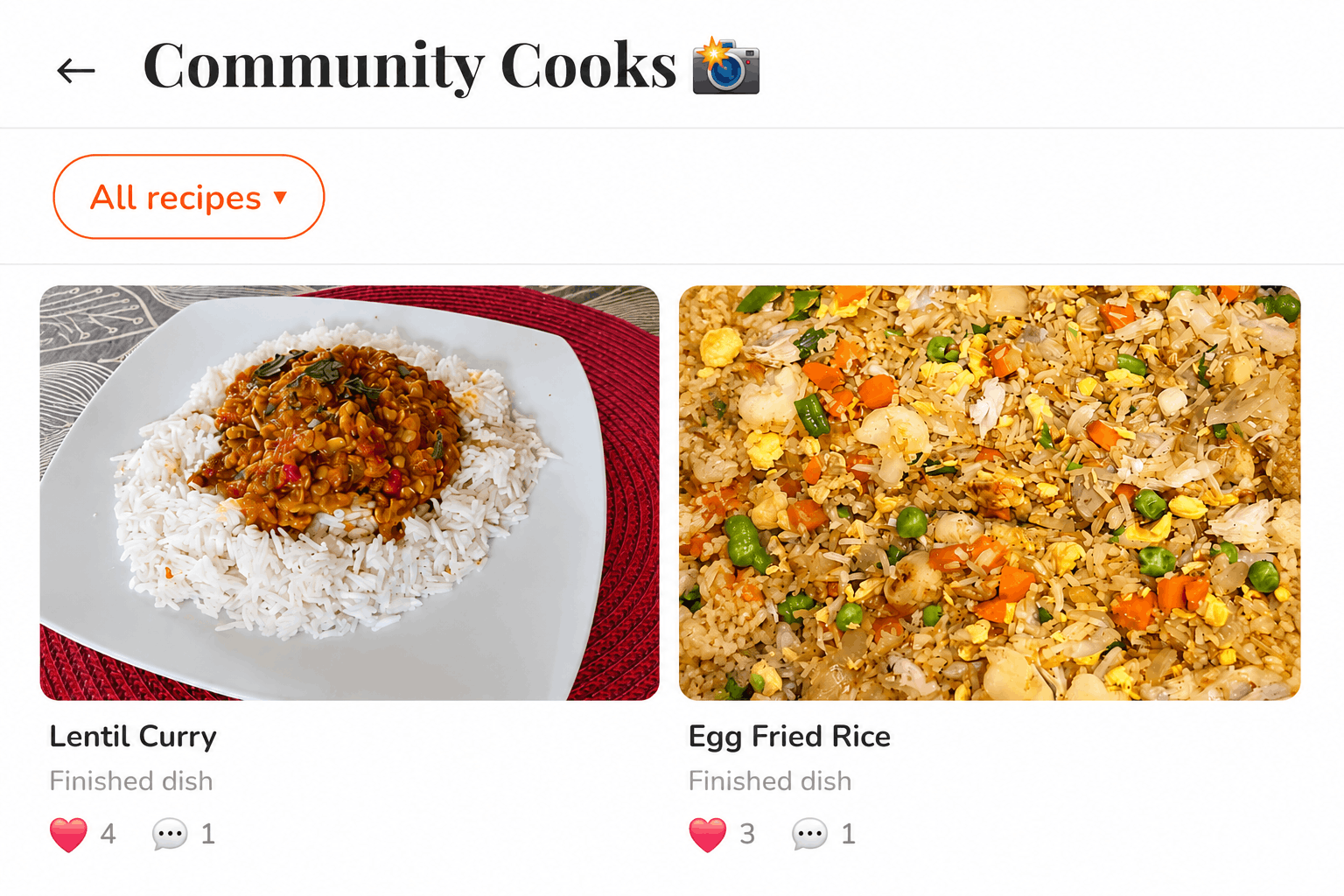
Get inspired by photos from other home cooks. Read their tips and reviews, see how they plated it, and share your own finished dish. Real food from real kitchens.

Tap to flip back

Justina's Kitchen

All of this. For free.

No subscription. No paywall. Just download and cook.